OCR
OCR_ReadText
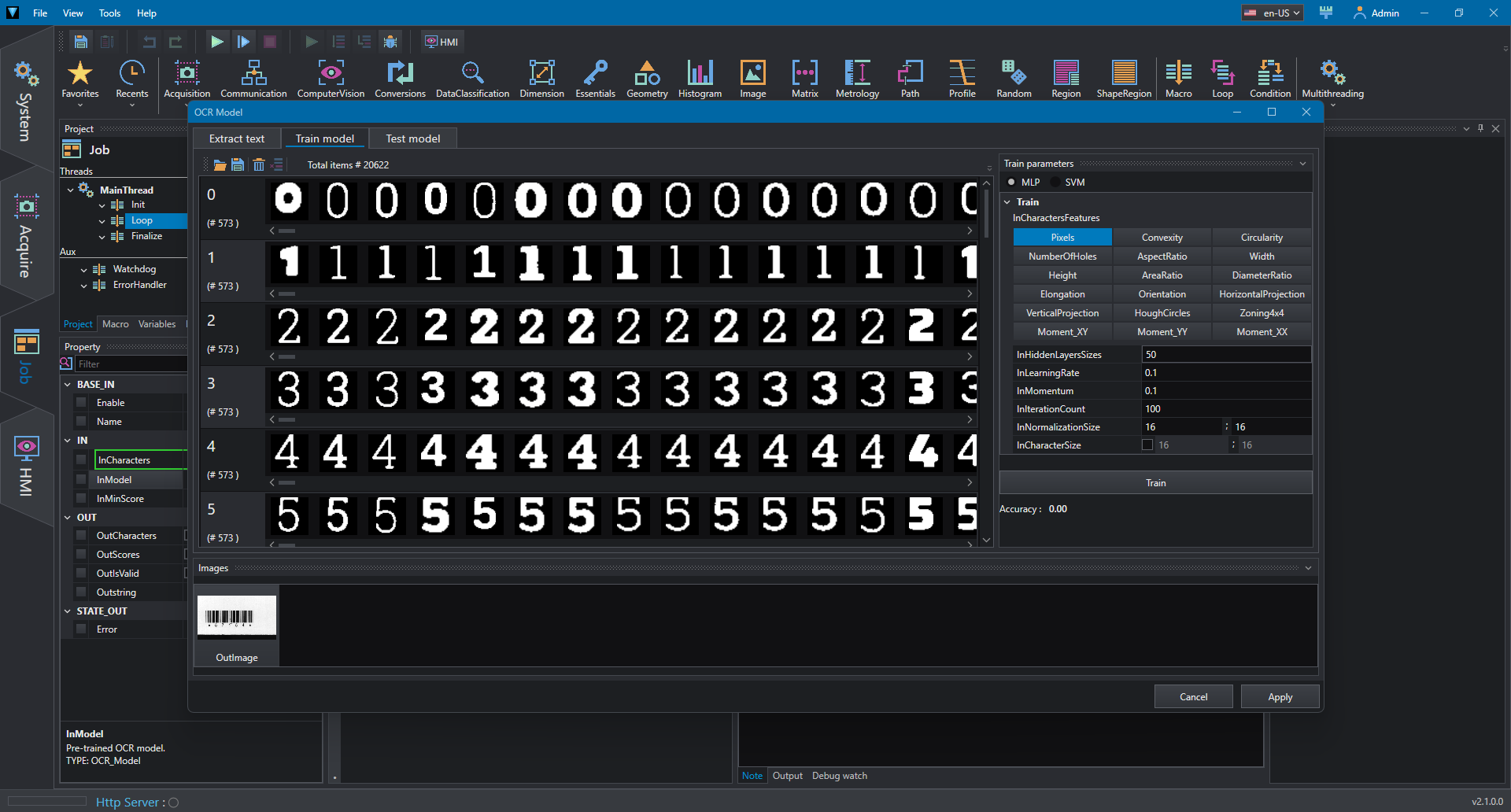
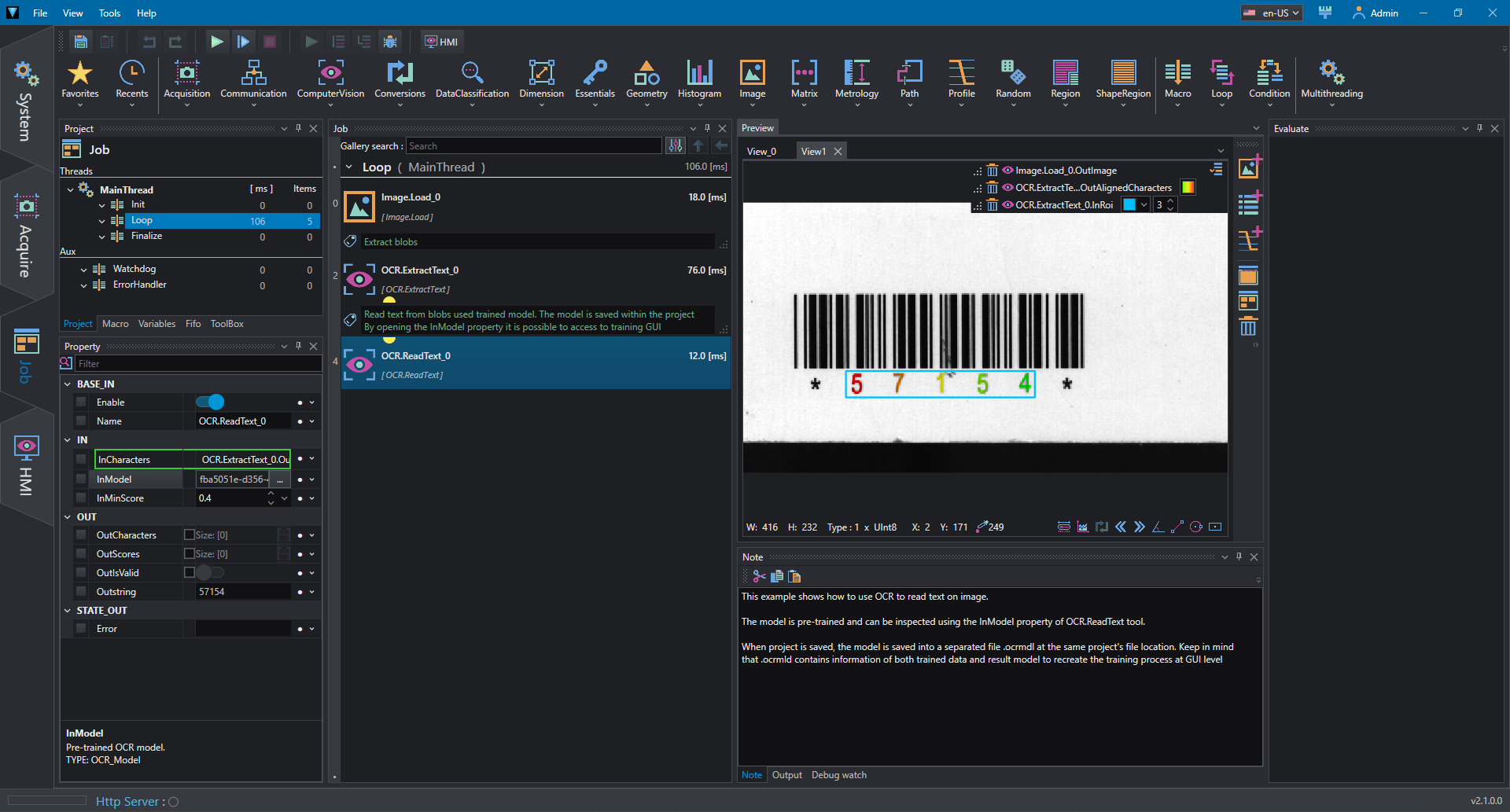
This example shows how to use OCR tools to extract and read a text from an image. First, the image is acquired from a file then the text regions are extracted using ExtractText. To interpret the characters the ReadText tool is used; in this case the OCR model is trained directly in the tool using the OCR Model Editor and can be opened from InModel property.
The model is trained from a dataset of characters containing different images for each letter and number
The model is applied to inputs character and text is read using ReadText.
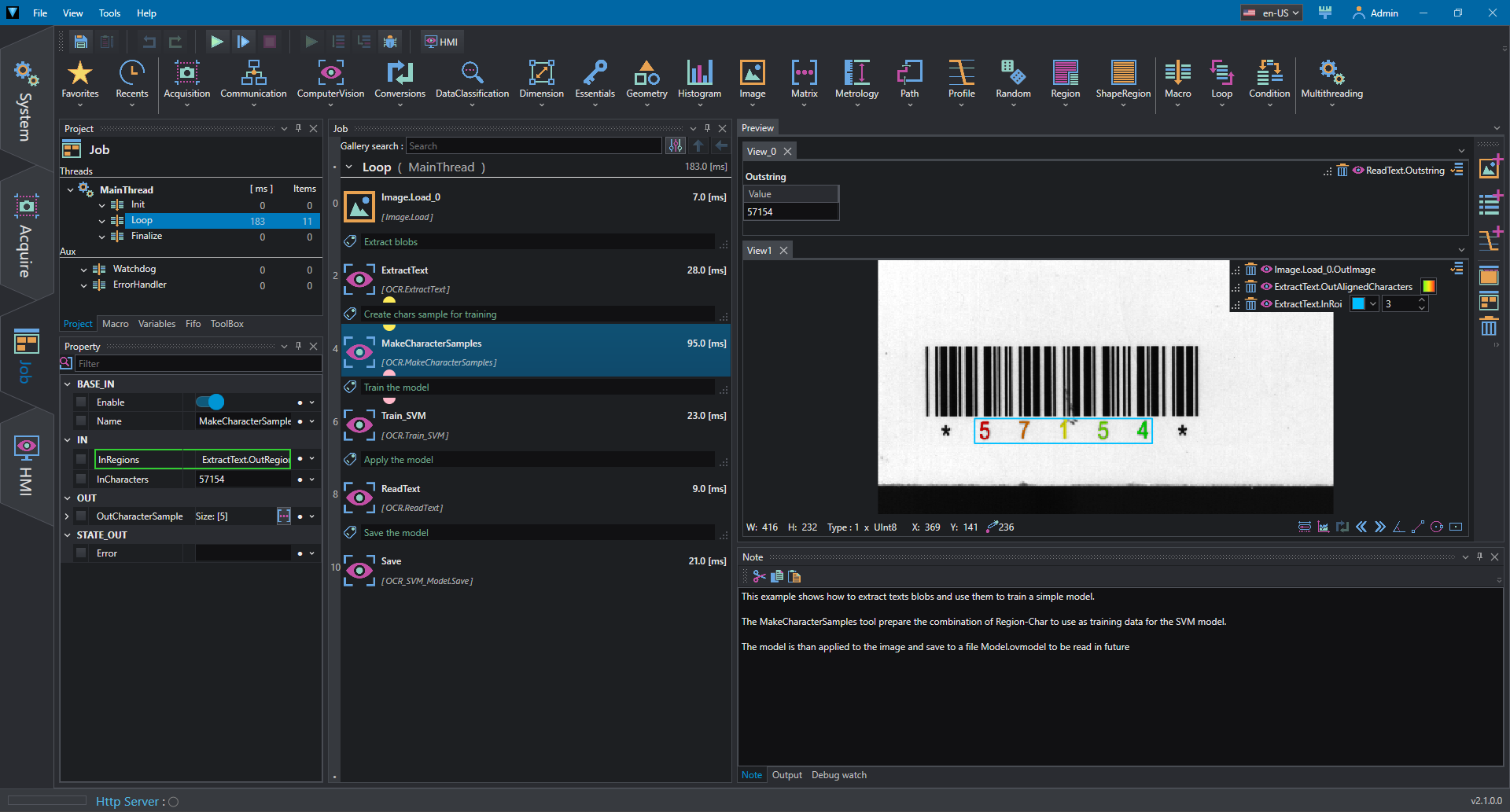
OCR_Train
This example shows how to train and use an OCR model using standard tools.
The image is loaded from a file, then characters regions are extract using ExtractText. To create data for the model, MakeCharacterSamples must be used to create paris of character and region. Then the train tool is used, in this case Train_SVM. Once the model has been trained it is possible to apply the model to input regions using ReadText.